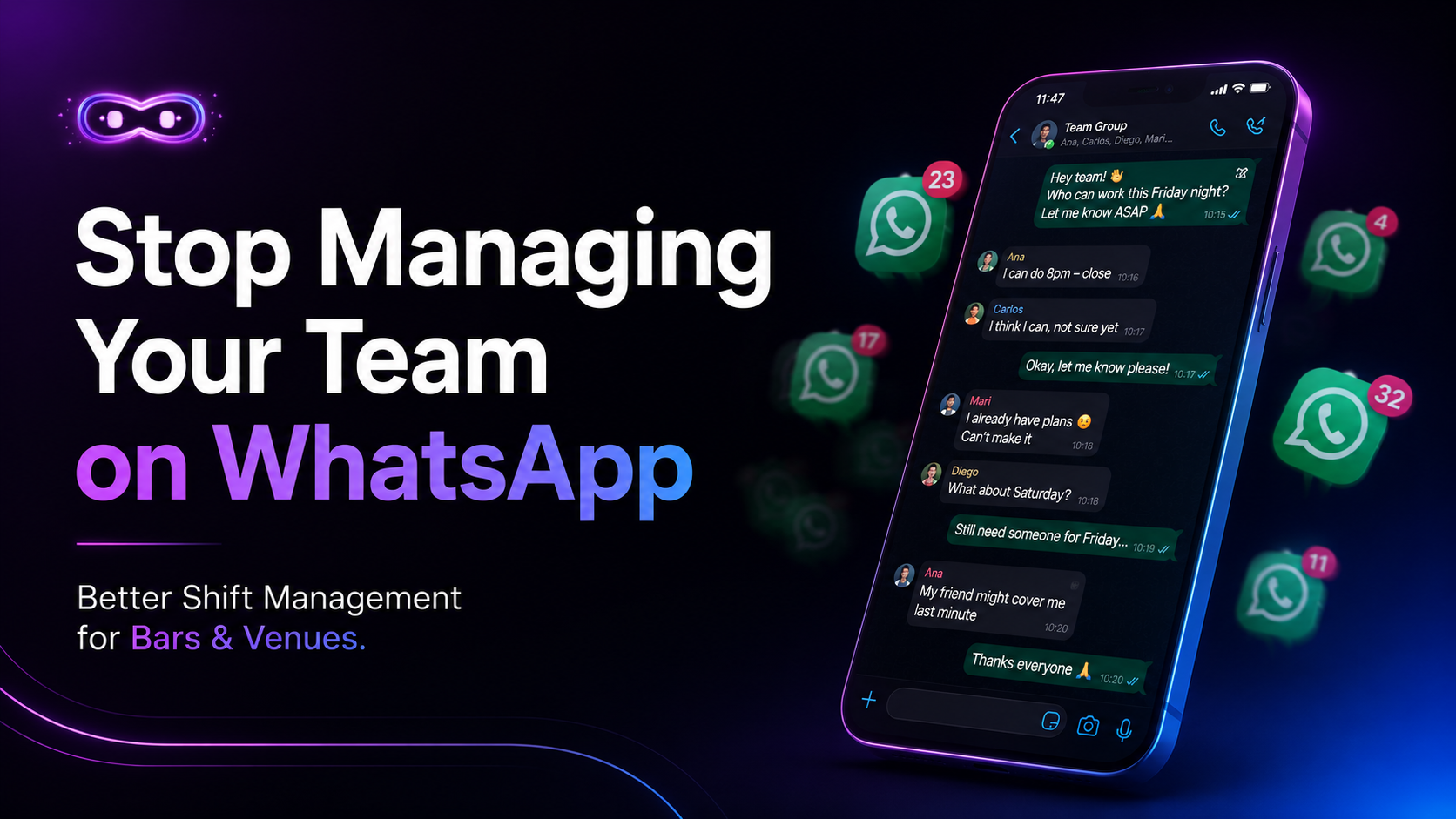
Sunday evening. You open WhatsApp and start the weekly ritual.
Checking who's confirmed for Tuesday. Chasing the two people who haven't replied. Trying to remember who swapped last week and whether that's been sorted. Wondering if you're fully covered for Saturday or if you'll find out at 6pm when it's too late.
- If you manage a venue, this scene is probably familiar. And it's costing you more than you think.
The real cost of WhatsApp shift management
The obvious cost is time. Most venue managers spend between three and five hours a week on shift coordination — messages, calls, confirmations, chasing, rescheduling. Over a year, that's over 200 hours. More than five full working weeks, just on logistics.
The less obvious cost is reliability. WhatsApp groups have no accountability built in. A message can be read and ignored. A confirmation can be forgotten. There's no record of who agreed to what, no audit trail when something goes wrong, and no visibility on patterns — who calls in sick regularly, which shifts are consistently understaffed, what happened last weekend.
The deepest cost is leadership. When your shift management is chaotic, your team feels it. Staff who don't know their schedule until two days before can't plan their lives. That uncertainty leads to higher turnover — and in hospitality, turnover is one of the biggest operational costs you have.
What a proper shift management system actually does
A shift management system isn't just a fancier way to share schedules. It changes the entire relationship between managers and staff around time and accountability.
Here's what it looks like in practice:
- Visibility for everyone. Staff can see their shifts for the week or month ahead. No uncertainty, no last-minute surprises. They confirm directly in the system, and you see confirmations in real time — no chasing.
- Check-in and check-out tracking. When staff arrive for a shift, they check in through the system. When they leave, they check out. You have a real record of hours worked, not what was scheduled but what actually happened.
- Income and outcome per shift. You can see how revenue tracked against staffing levels on any given night. Over time, you start to see patterns: which shifts are overstaffed, which nights need more people, which team combinations perform best.
- History and accountability. When something goes wrong — a missed shift, a dispute about hours, a question about last month — the answer is in the system, not in a scroll through a group chat.
Setting up shift management in PlaatoOS
- Step 1 — Add your team In PlaatoOS, go to Staff and add your team members. Each person gets their own profile with their role, contact details, and availability preferences.
- Step 2 — Create your shifts Build your week's schedule in the shift planner. Assign staff to shifts, set start and end times, and publish. Your team gets notified automatically and can confirm directly in the app.
- Step 3 — Track check-ins When a shift starts, staff check in through PlaatoOS. You can see in real time who's on the floor and who hasn't arrived. No calls, no messages — just visibility.
- Step 4 — Review outcomes After each shift, PlaatoOS logs hours worked, revenue for the night, and any notes. At the end of the week, you have a clean summary of what happened — without having to piece it together from memory.
Bonus: ask your AI what happened last week
PlaatoOS includes an AI assistant that can answer questions about your operations directly.
"Who had the most shifts last month?" "Which Saturday performed best?" "Are we overstaffed on Tuesday nights?"
Instead of digging through records, you ask. The AI pulls the data and answers in plain language. It's the kind of operational insight that used to require a dedicated manager — now it's one question away.