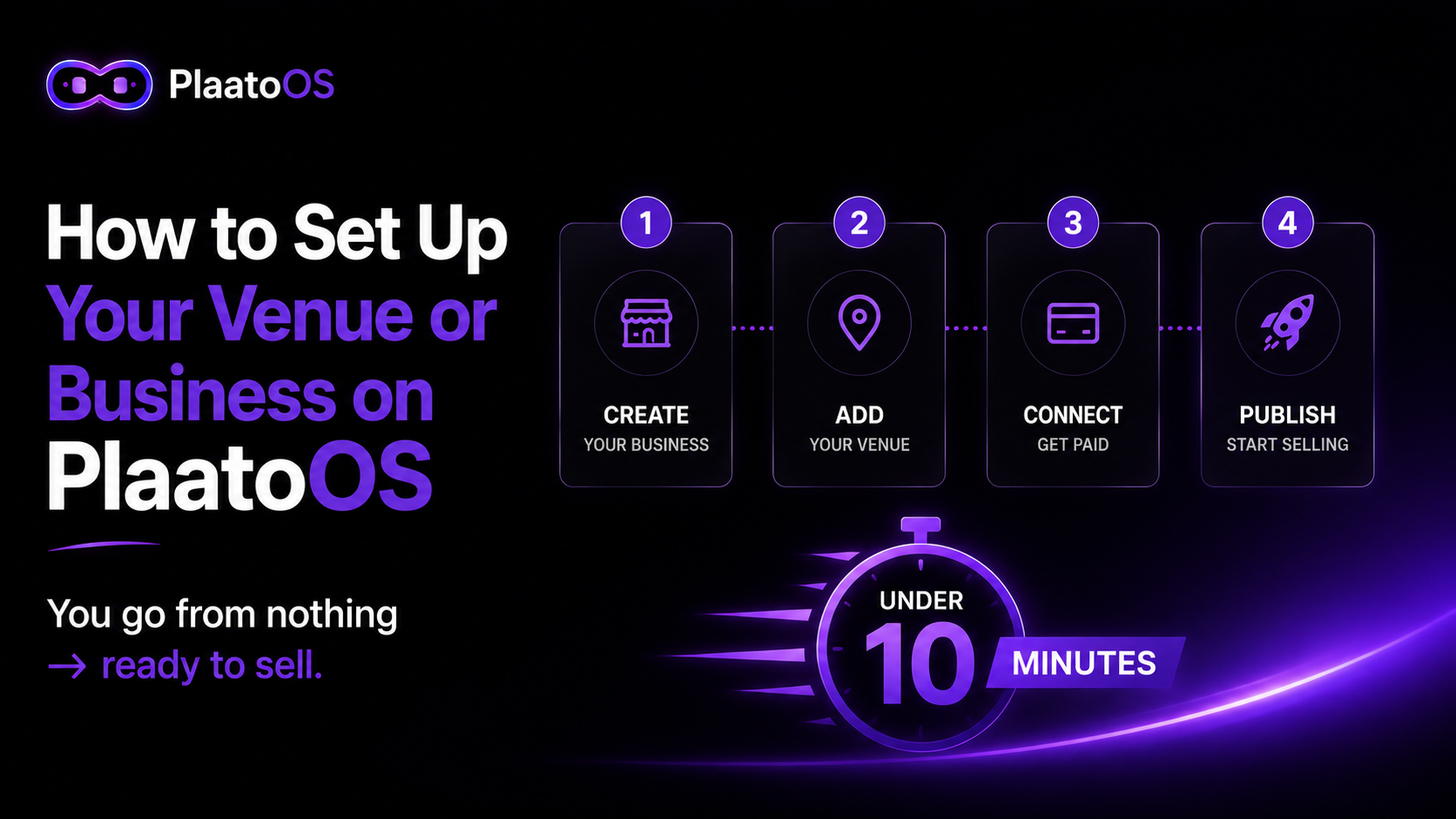
Most venues and businesses run on a mess of different tools.
One platform for the website. Another for ticket sales. A third for reservations. A spreadsheet for staff scheduling. WhatsApp for everything else.
It works — until it doesn't. Until you lose a booking because it fell through the cracks between tools. Until your team doesn't show up because a WhatsApp message got buried. Until you realize you have no idea how much revenue you made last weekend because the data is scattered across five different dashboards.
PlaatoOS was built to fix this. One platform, one login, everything connected. And it takes less than ten minutes to set up from scratch.
Here's exactly how to do it.
What Is PlaatoOS — And What Can It Do?
PlaatoOS is an all-in-one operating system for businesses that serve people. Think of it as your control center — every tool you need to run, manage, and grow your business lives in one place.
The key difference from other platforms: you don't pay for a fixed package of features you may never use. Instead, you activate the modules you actually need and ignore the rest. A karaoke venue has completely different needs from an events company or a restaurant — PlaatoOS adapts to you, not the other way around.
Here's a snapshot of what's available:
- Website Builder — drag-and-drop site builder, no developer needed
- Events and Ticket Sales — create events, sell tickets, collect payment instantly
- Table and Room Reservations — online booking for any bookable space
- Loyalty Programs — digital loyalty cards with automatic stamp collection
- Shift Management — schedules, check-ins, and outcomes for your team
- Inventory — real-time stock tracking
- Blog — publish content to rank on Google and get found
- SEO and Social Tools — optimize your presence across search and social
- Links Page — your own link-in-bio style page
- Custom Domain — connect your own domain to your PlaatoOS site
- AI Assistant — ask your business anything in plain language
- TV Screen Display — live queue and info screen for your venue
- Karaoke System — digital queue, room management, session control
And more, you activate what you need. Everything else stays out of your way.
Step 1 — Sign Up and Configure Your Brand
Go to plaatoos.com and create your free account. No credit card needed.
Once you're in, PlaatoOS will greet you with a welcome screen and three quick steps to get your business ready for customers.
The first step is your brand — colors, fonts, and logo.
Go to Configure Theme and upload your logo. Choose your primary brand colors. Select your fonts. This takes five minutes and it matters more than most people realize: everything you create on PlaatoOS — your website, your event pages, your ticket links, your loyalty cards — will automatically use these colors and fonts. Set it once and your entire business looks consistent from day one.
Step 2 — Connect Your Payment System
This is the most important step. Nothing else works until you can get paid.
Go to Set Up Payments and connect your Stripe account. Stripe is the payment infrastructure used by millions of businesses worldwide — it's secure, reliable, and takes about five minutes to connect.
If you don't have a Stripe account yet, create one for free at stripe.com. Once connected to PlaatoOS, every ticket sold, every reservation made, every payment taken goes directly to your bank account. No intermediary holding your money. No waiting periods.
Set your currency during this step — PlaatoOS supports multiple currencies, so whether you're operating in Europe, Latin America, or anywhere else, you're covered.
Step 3 — Build Your Website
Go to Create Site Pages and open the drag-and-drop site builder.
You don't need to know how to code. You don't need design experience. Add your pages — Home, About, Events, Contact — and customize each one with your content and images. Your brand colors and fonts from Step 1 are already applied automatically.
Here's what makes this different from a standalone website builder: your PlaatoOS website is connected to everything else on the platform. Your event pages live here. Your ticket links live here. Your loyalty card link lives here. Your booking pages live here. It's not just a website — it's the public face of your entire business operation.
When you're ready, hit Publish. You'll get a live link immediately. You can connect a custom domain at any point from the settings.
Which Tools to Activate — By Business Type
Once your three setup steps are complete, you're in the dashboard. This is your control center — every module is one click away.
Here's a starting point depending on what you run:
Business typeStart with these modulesBar / NightclubEvents, Ticket Sales, Loyalty Program, Inventory, Shift ManagementKaraoke VenueKaraoke System, Room Reservations, Loyalty Program, Ticket SalesRestaurantTable Reservations, Menu Items, Inventory, Loyalty ProgramEvents CompanyEvents, Ticket Sales, Blog, Loyalty Program, Links PageOnline BusinessWebsite Builder, Blog, Links Page, SEO Tools, PaymentsMulti-format VenueAll of the above — activate as you grow
Start with the two or three modules most relevant to your immediate needs. You can add more at any time — there's no limit and no extra charge for activating additional modules.
Your Dashboard — The Control Center
Once setup is complete, your dashboard shows you everything that matters at a glance: upcoming events, tickets sold, revenue in the last seven days, and quick access to every module you've activated.
Use the search bar at the top to find any module instantly. As your business grows and you activate more tools, the search becomes your fastest way to navigate.
The AI Assistant is always available — click the star icon in the bottom corner. Ask it anything about your business: "What was my best-performing event last month?", "How many tickets did we sell this week?", "Which team member worked the most shifts?" It pulls the data and answers in plain language.
What's Next
Ready to get started?
Set up your business free at plaatoos.com — no credit card needed, live in under 30 minutes.